

Call centres keep changing numbers? Block them all with a range
Why the same pest calls you from a different number every time, and how to stop them with a single entry covering up to 10,000 numbers.
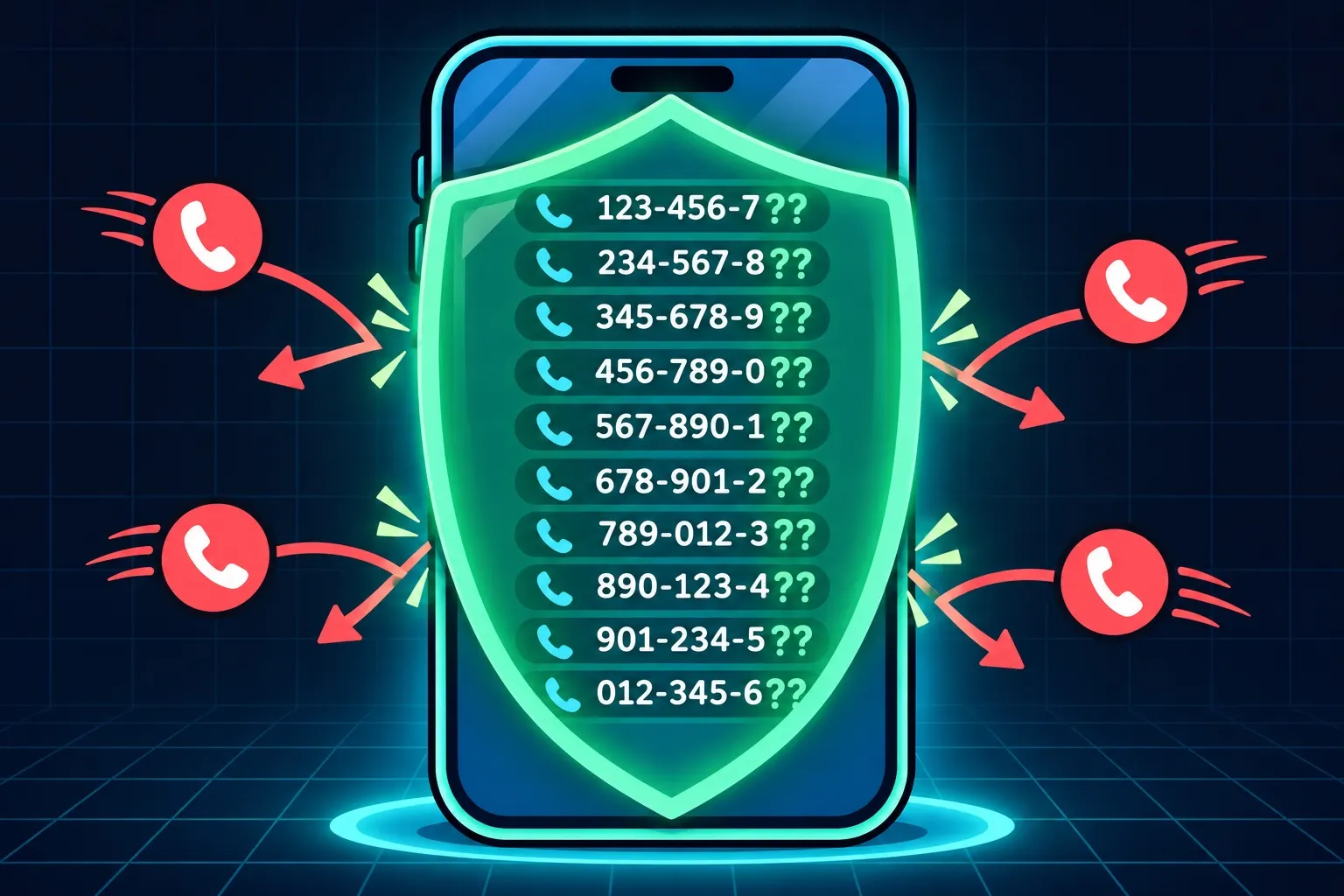
You block a number and the next day they call from the one next to it. It’s not bad luck: many call centres use blocks of consecutive numbers and rotate them precisely to get around people blocking them one by one.
How to spot a range
Look at your Recents. If you see numbers like these, you’re looking at a range:
| Number | Same up to |
|---|---|
| 02 8732 1104 | 02 8732 1 |
| 02 8732 1187 | 02 8732 1 |
| 02 8732 1342 | 02 8732 1 |
Only the last digits change. The rest is always the same.
How to block it in SPAMammt
- Copy one of the numbers from Recents and tap Paste in the app.
- Choose how many final digits can change: from 1 to 4.
- Choose Block or Warn, the category and, if you like, a note.
With 3 digits you cover 1,000 numbers, with 4 digits up to 10,000. One entry, no numbers to add by hand.
How many digits to pick
- 1-2 digits when the numbers are very similar: the safest choice.
- 3 digits is the right balance for most call centres.
- 4 digits only if you’re sure the whole range is a nuisance. The wider it is, the higher the risk of catching a normal number too, such as a switchboard.
Mamma’s trick: for very wide ranges use Warn instead of Block. The phone rings, but the label tells you straight away who it is.
In the CSV file
When you import or export your list, a range is written with trailing x characters in place of the digits that change:
+390287321xxx;blocca;telemarketing;Energy offersThat way you can pass your ranges to a family member in seconds, and their phone will stop ringing too.