Block or Warn
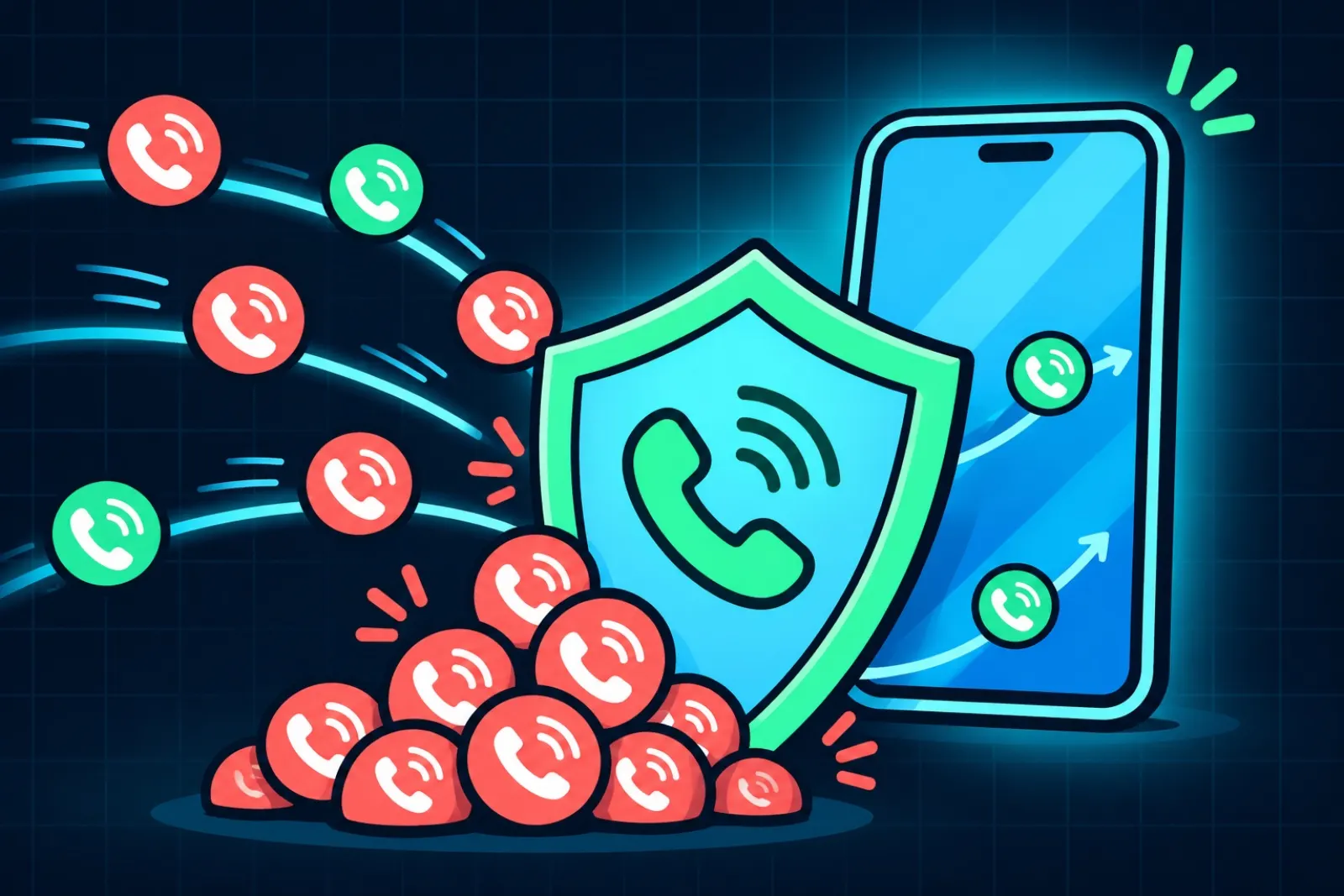
You choose for every number: Block keeps your phone silent, Warn lets it ring but shows «Spam · Energy deals» or «⚠︎ Possible scam» under the number.
Add nuisance numbers, or whole ranges: when they call again SPAMammt blocks them so your phone stays quiet, or warns you with a clear label. No servers, no accounts: your list stays on your iPhone.

 On
Tap the shield

Light as a slipper, as effective as one look from mamma.
You choose for every number: Block keeps your phone silent, Warn lets it ring but shows «Spam · Energy deals» or «⚠︎ Possible scam» under the number.
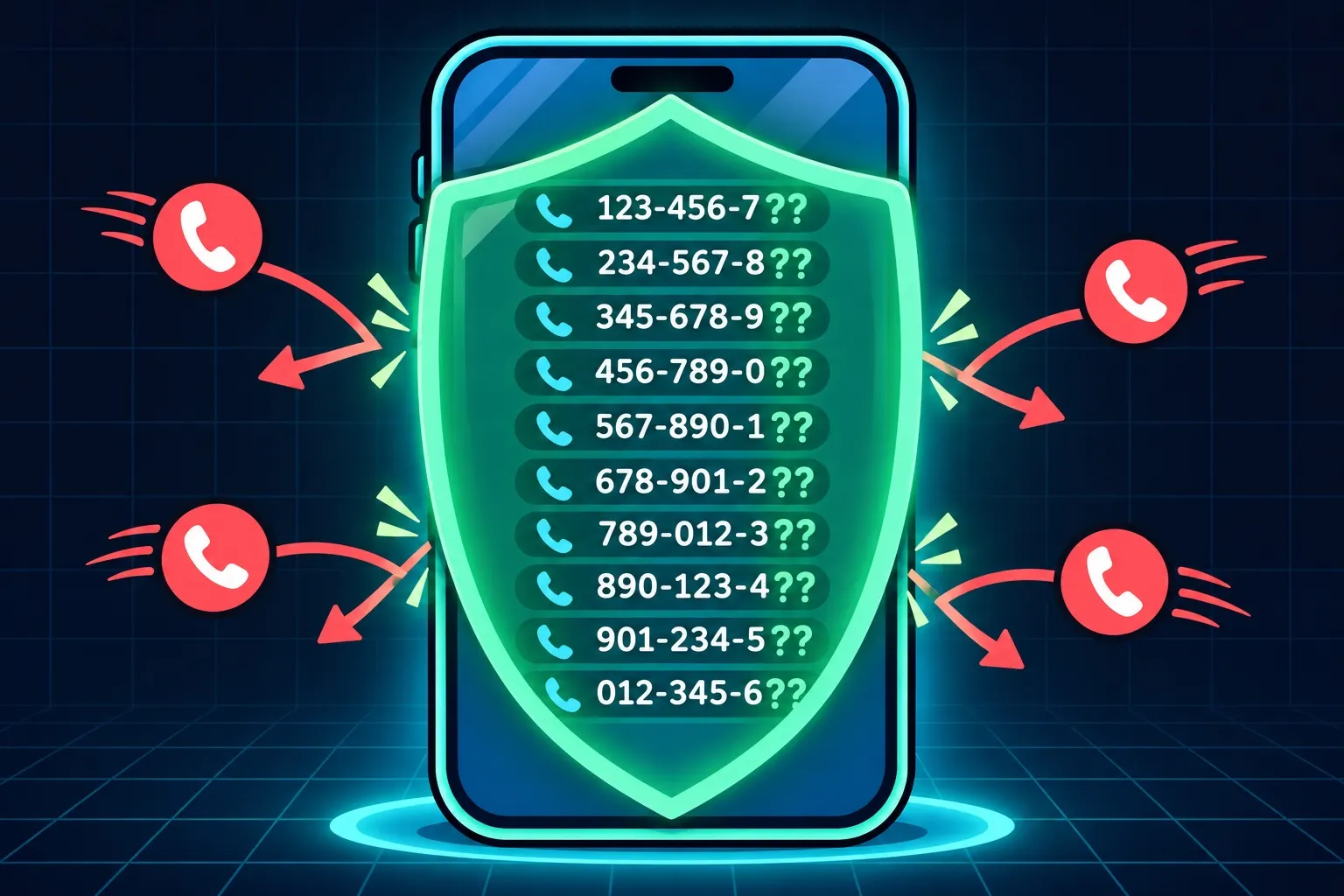
Call centres rotate the last digits. One entry covers the whole range: up to 10,000 numbers in one tap.
Italy's 0844 (commercial) and 0843 (statistics): the two codes reserved by AGCOM, little used so far. Choose Off, Warn or Block.
The verdict appears as you type: already blocked, warned, telemarketing, foreign or no reports.
Describe the call and Apple Intelligence, right on your phone, picks the category, block or warn, and a note.
«Report copied number» with Back Tap: copy the number from Recents, double-tap the back of your iPhone, done.
Your list as CSV, to share with family or keep as a backup.
No servers, no tracking. Numbers live in your iPhone's keychain and nowhere else.
Just like in the app: type a number and see the verdict. Try 0844 123456, +44 or 02 8732 1234.
Browser demo: nothing is saved or sent.
From the App Store, on an iPhone with iOS 26 or later.
Settings › Apps › Phone › Call Blocking & Identification › turn on SPAMammt. The app walks you through it.
Copy the number from Recents and tap Paste, or use Shortcuts. From then on iOS handles it, on the first ring.
Why copy the number? iOS doesn't let any app read your call history. It protects your privacy, and mamma is fine with that.
Phone scams hit trusting people hardest. Set up SPAMammt on their iPhone in five minutes, export your list as CSV and share it.

SPAMammt is an app for iPhone with iOS 26 or later that blocks the spam numbers you add, or labels them while the phone rings. It doesn't include a ready-made spam list: on its own it only knows Italy's 0844 and 0843 prefixes.
Install a blocking app, turn it on in Settings › Apps › Phone › Call Blocking & Identification, and add numbers. With SPAMammt one entry can cover up to 10,000 similar numbers.
With Block your phone doesn't ring and the call lands in Recents without bothering you. With Warn it rings as usual, but you see a label like «Spam · Telemarketing» under the number, so you decide.
Many call centres use numbers that differ only in the last digits. When you add a number you can tell SPAMammt to cover the last 1-4 digits: one entry stops up to 10,000 numbers.
No. SPAMammt has no servers and collects no data. The list stays in your iPhone's keychain and only iOS reads it when a call comes in.
No: iOS call blocking only applies to regular phone calls. For WhatsApp, use WhatsApp's own block feature.

Easy to try, light to keep, tough on anyone calling to sell you electricity at 9 pm.
We're adding the final touches. Requires an iPhone with iOS 26 or later.