
How to protect mum and dad from phone scams
The most common scams targeting older people, the house rules worth teaching, and how to set up SPAMammt on their iPhone in five minutes.

The people who raised us have always answered the phone with trust. That trust is exactly what scammers count on. The good news: a few simple rules and a well set-up app take away almost all of their room to manoeuvre.
The most common scams
The relative in trouble. “Mum, I’ve got a new number, I need a quick favour.” It comes by phone or WhatsApp, asks for money or a top-up, and piles on the pressure.
The fake police officer or lawyer. They talk about an accident caused by a family member and ask for money or jewellery to “avoid trouble”. Often someone then comes to the house to collect it.
The fake bank operator. They report a suspicious transaction and ask for the code you just got by text, or to move your savings to a “safe account”.
Energy and phone deals. “Mandatory” offers, contract switches nobody asked for, confirmations snatched in a hurry.
Four rules to stick next to the phone
- Banks never ask for codes by phone, text or WhatsApp. Never.
- Nobody sends someone to collect money or jewellery at home. Nobody.
- When in doubt, hang up and call back the official number, or your son or daughter.
- A family password: if the caller claims to be a relative and doesn’t know it, it isn’t them.
Explain it without making anyone feel naive. Scams are built by professionals to fool anyone, young people included.
Setting up SPAMammt on their iPhone
It takes five minutes, once:
- Install SPAMammt and open it once.
- Go to Settings › Apps › Phone › Call Blocking & Identification and turn on SPAMammt.
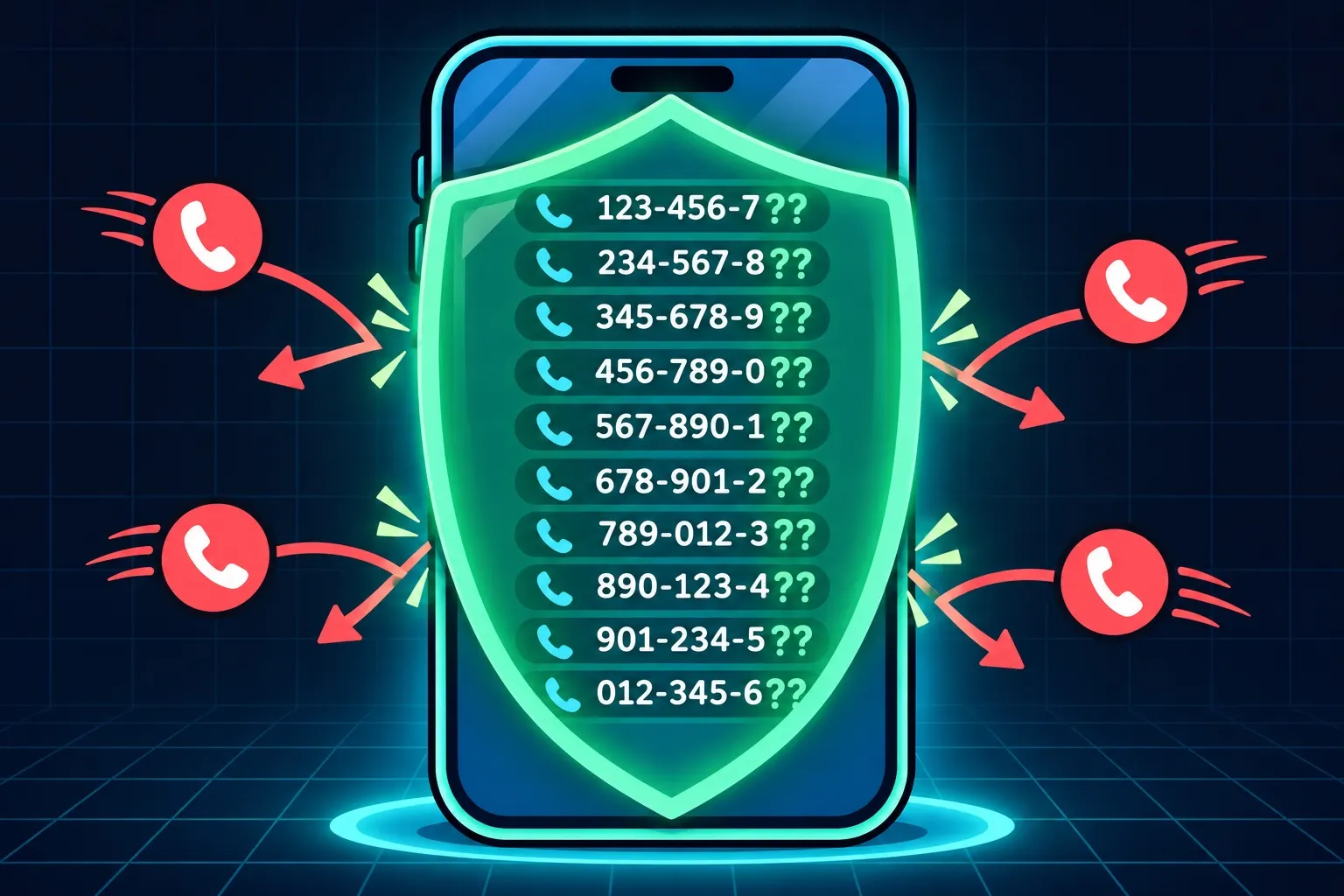
- In the automatic shields, set 0844 to Block and 0843 to Warn.
- On your iPhone, export your list as CSV and import it on theirs: every pest you’ve already stopped will be stopped there too.
- If they rarely use their contacts, consider Silence Unknown Callers in Phone settings as well.
With Warn instead of Block, the phone rings but shows a clear label like “⚠︎ Possible scam” under the number. For many parents it’s the best choice: they don’t miss calls, but they know who not to listen to.
If it has already happened
No shame and no scolding. Call the bank straight away to freeze cards and accounts, then report it to the police. The sooner you act, the easier it is to limit the damage.
As mamma always says: better one call fewer than one worry more.